Getting Started
We will learn to generalize, or apply abstraction, by returning to an app we built in the prior module, and making improvements.
Please follow this link to see Mr. Gordon’s repository for his Geometric Figures app – then create a fork of his repository, and clone your fork to your own computer.
When complete, you should have a project that looks like this:
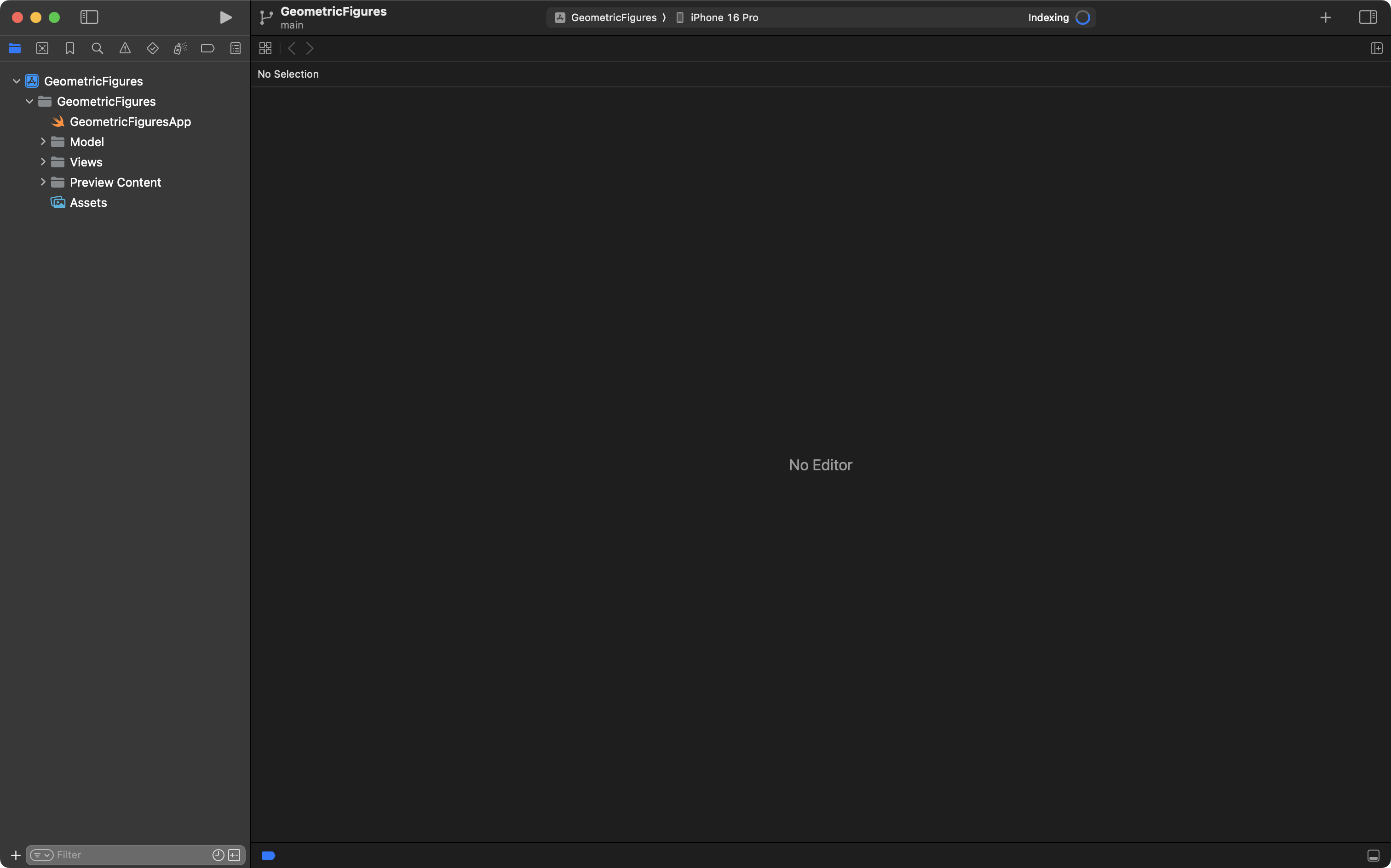
Open the Source Control navigator by pressing Command-2:
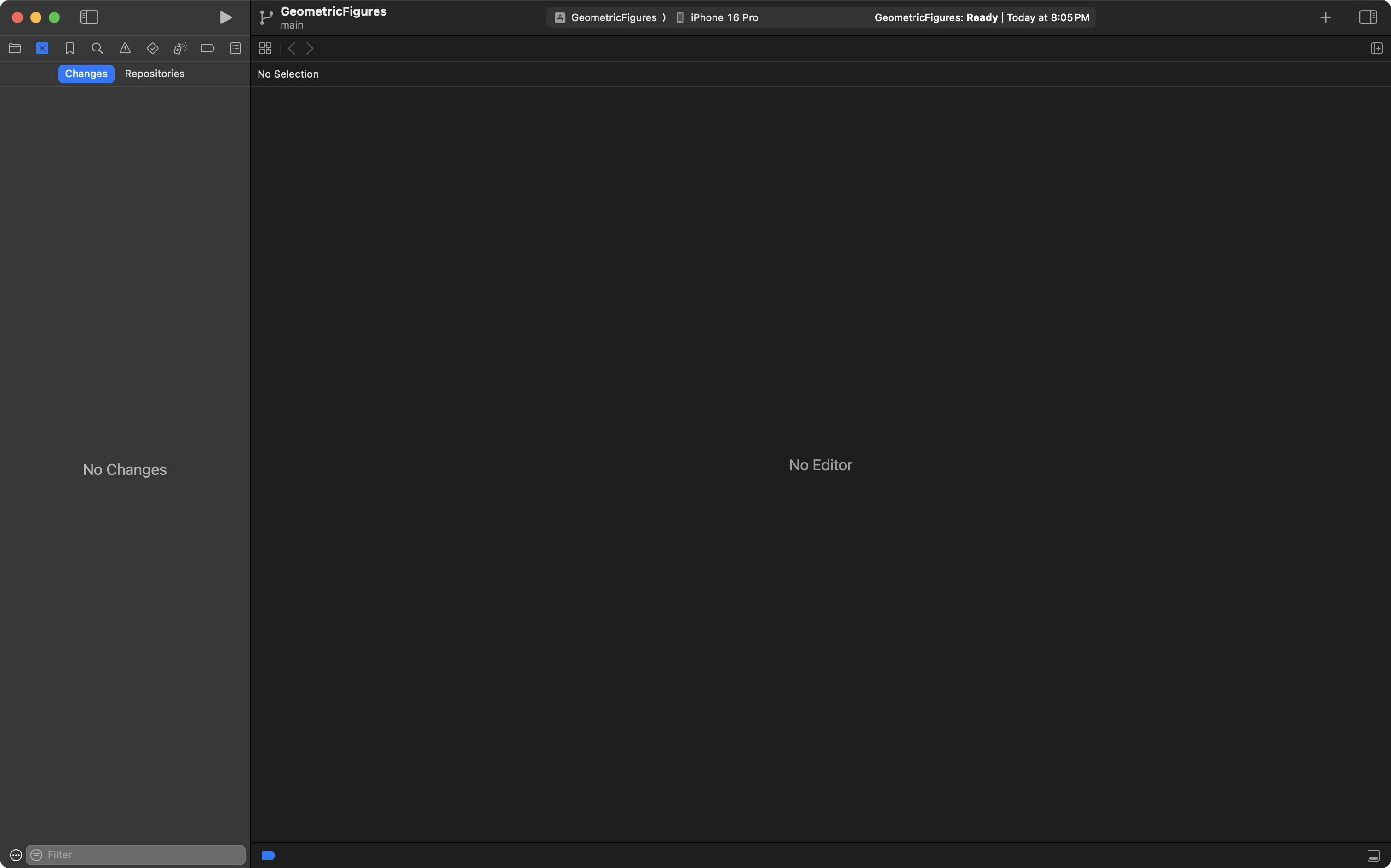
Then tap the Repositories tab:
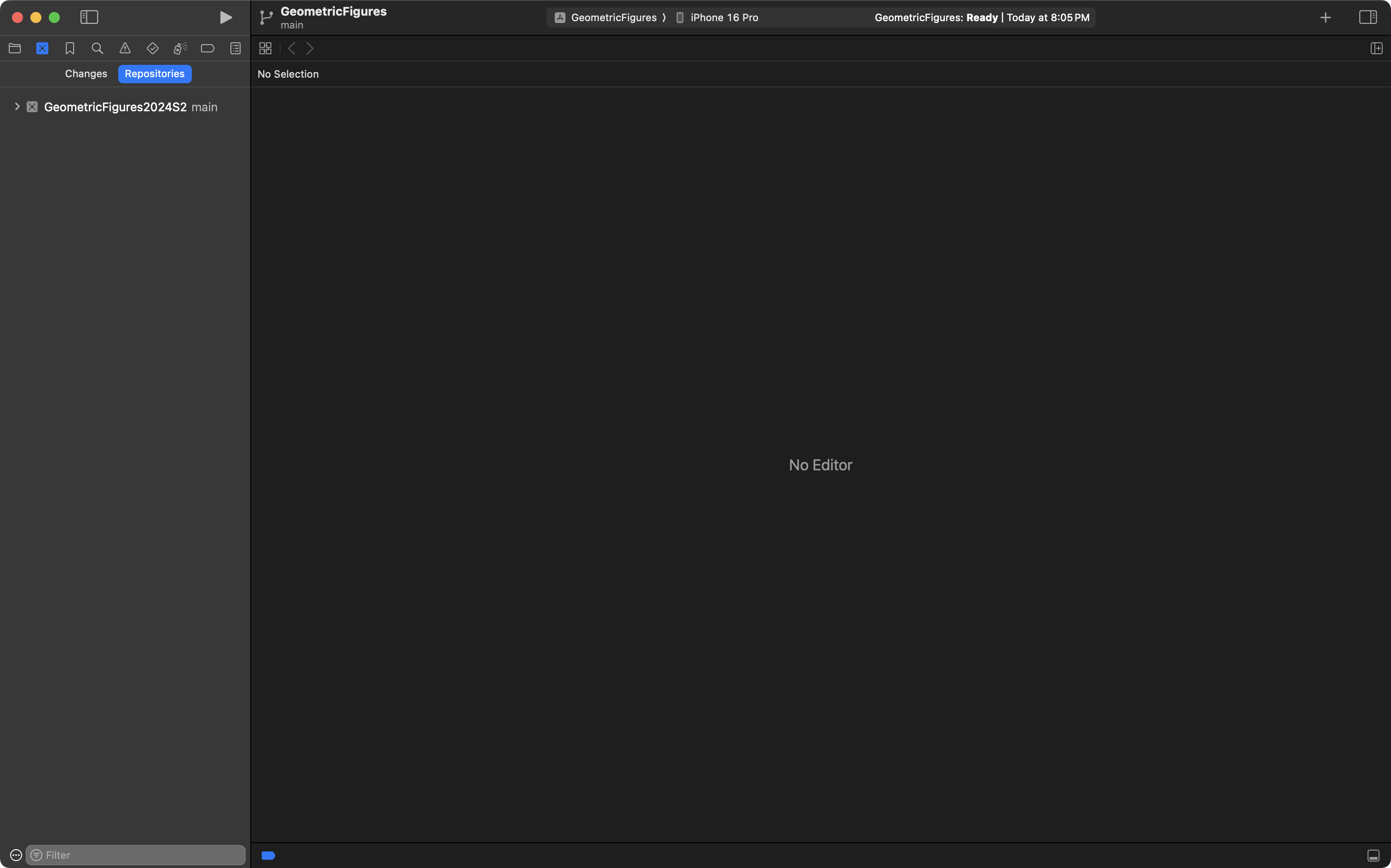
Expand the disclosure triangle at top-left by clicking on it:
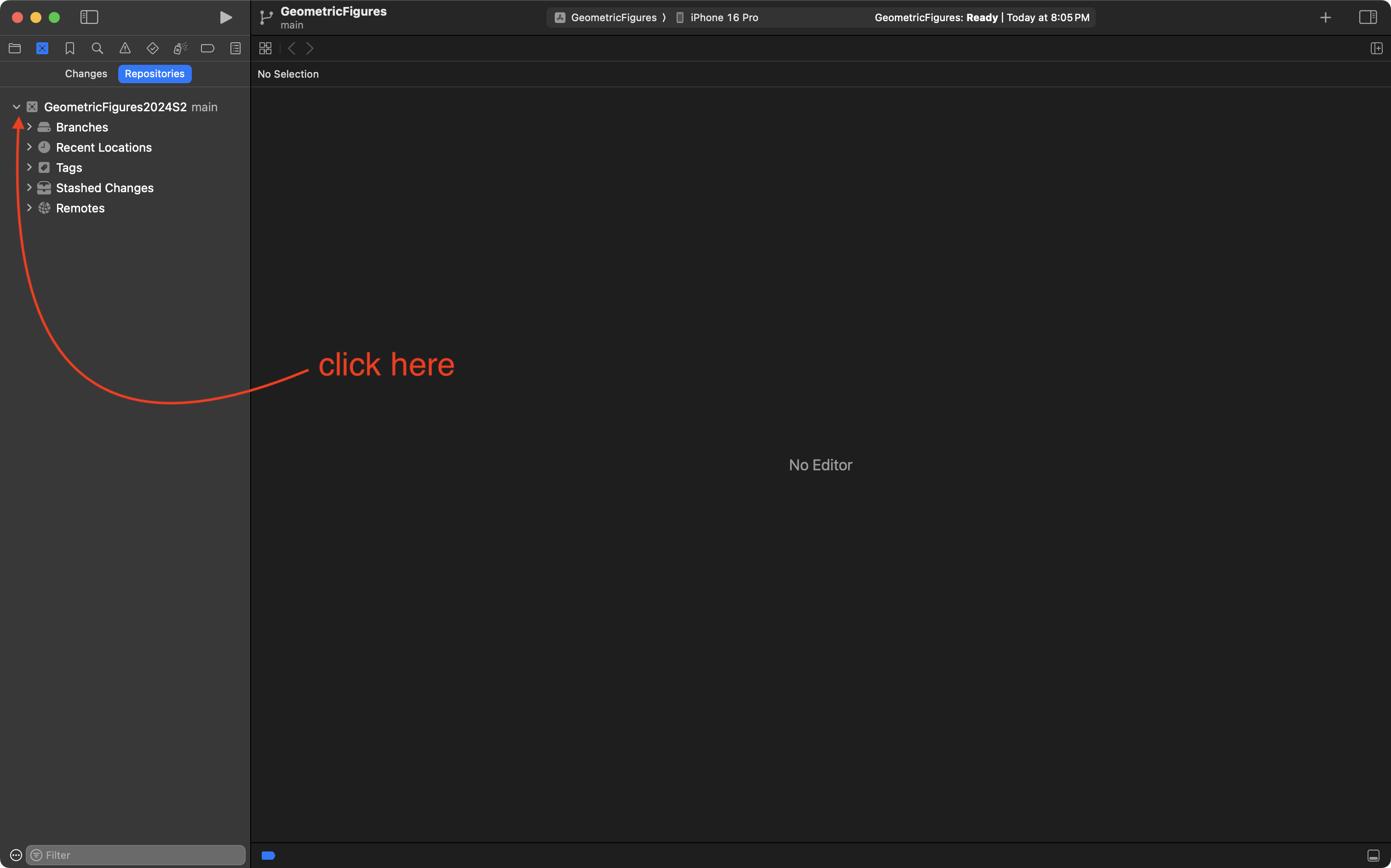
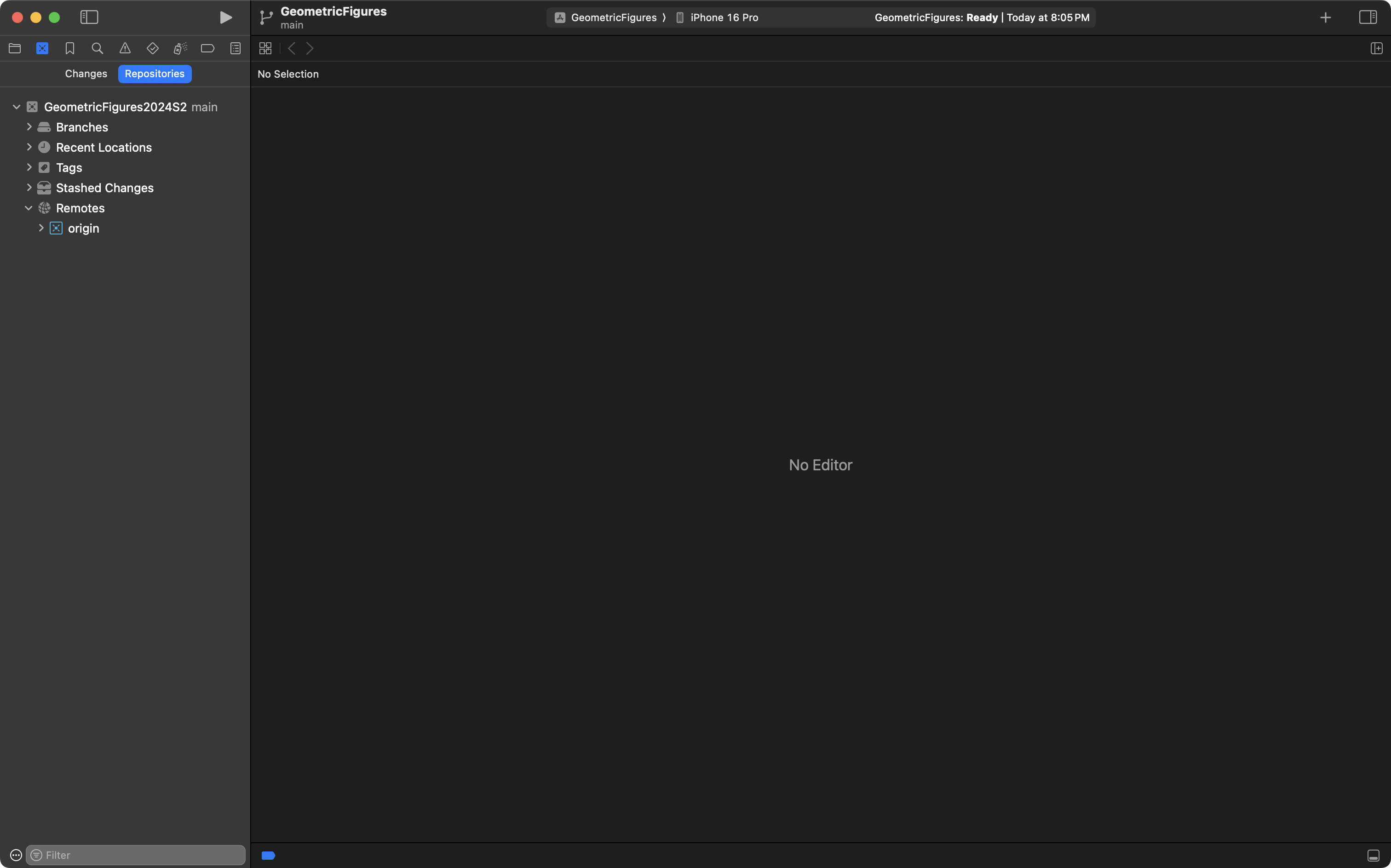
Then expand the disclosure triangle for the Remotes section:
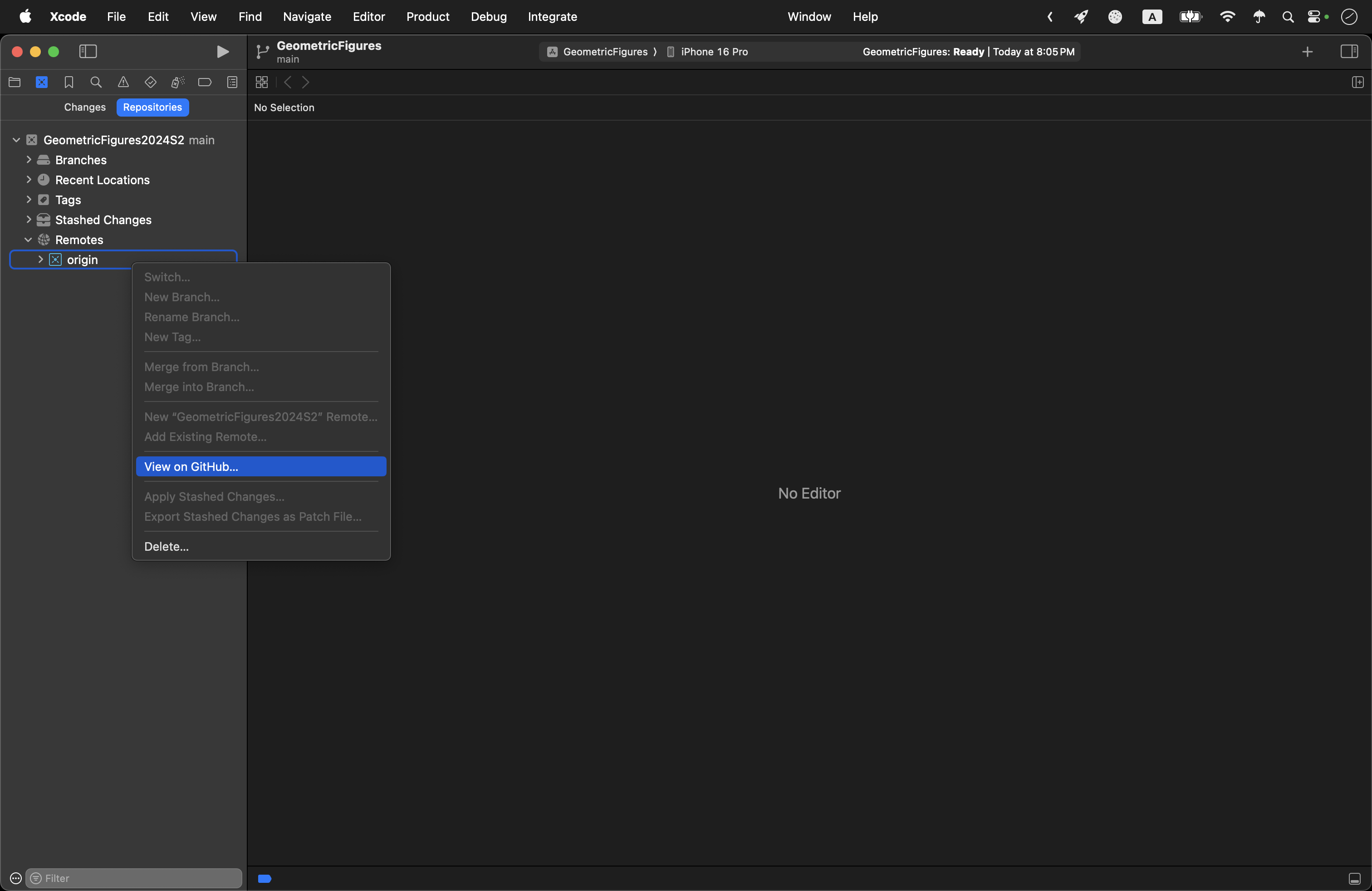
Finally, two-finger tap on the origin entry, and choose View on GitHub:
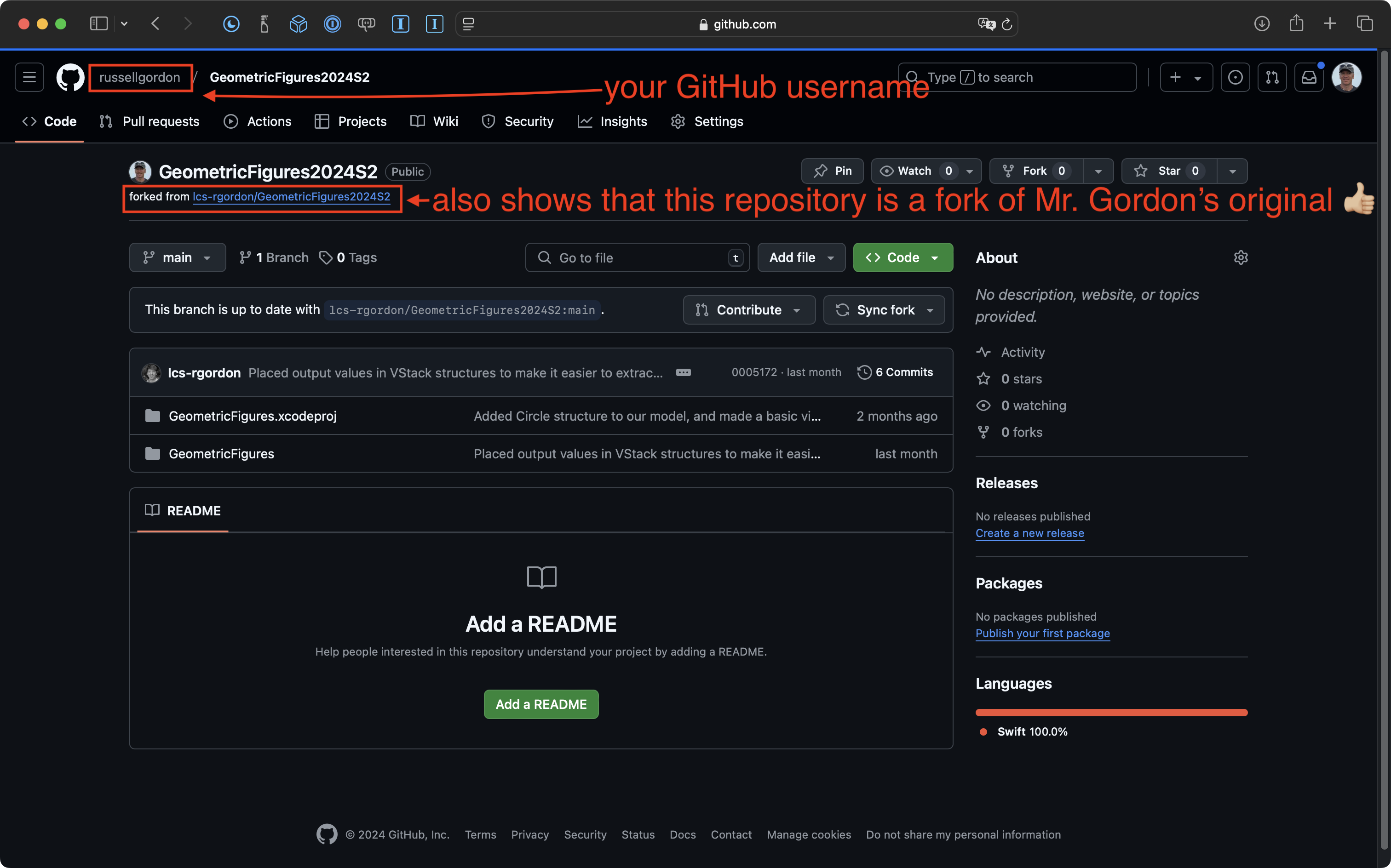
If you see your GitHub username in the top-left corner, you know that you successfully forked Mr. Gordon’s repository – and therefore cloned the correct repository to your computer:
You are now ready to continue with this tutorial.
Generalizing
The number one rule of a software developer is – don’t repeat yourself.
You can remember that using the acronym D.R.Y.
Stay D.R.Y. – don’t repeat yourself.
To show you how to generalize, or apply abstraction, please watch and follow along with this very brief video – there are several actions that are better demonstrated through this medium:
Reflection
Please share your results with this tutorial with a brief post on Notion, and write super-quick responses to these questions:
- What is the advantage of using a custom subview, or helper view?
- To make code readable, what should always be true about the name we select for a structure we’ve defined?