Earlier this year you made a portfolio entry where you identified the purpose, audience, and beneficial effect for three app ideas:
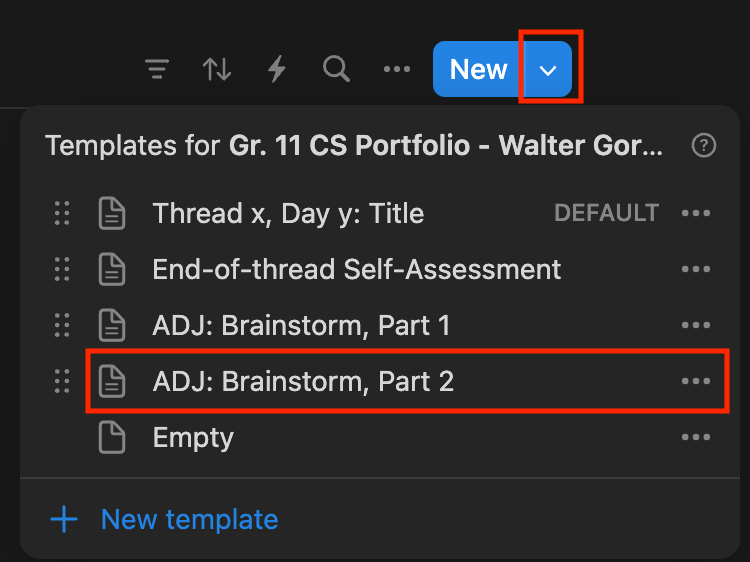
Return to that document in your portfolio now.
Do you have new idea(s)?
Take time to describe them, the same way that you did for the old ideas.
NOTE
Please don’t remove your old ideas! Just add new ones, if you have them.
Now select your favourite idea.
Begin thinking through what the interface might look like, by starting to make a prototype of your desired app in Keynote.
You may find these these iOS Design elements useful. Here is a sampling of what these elements look like:
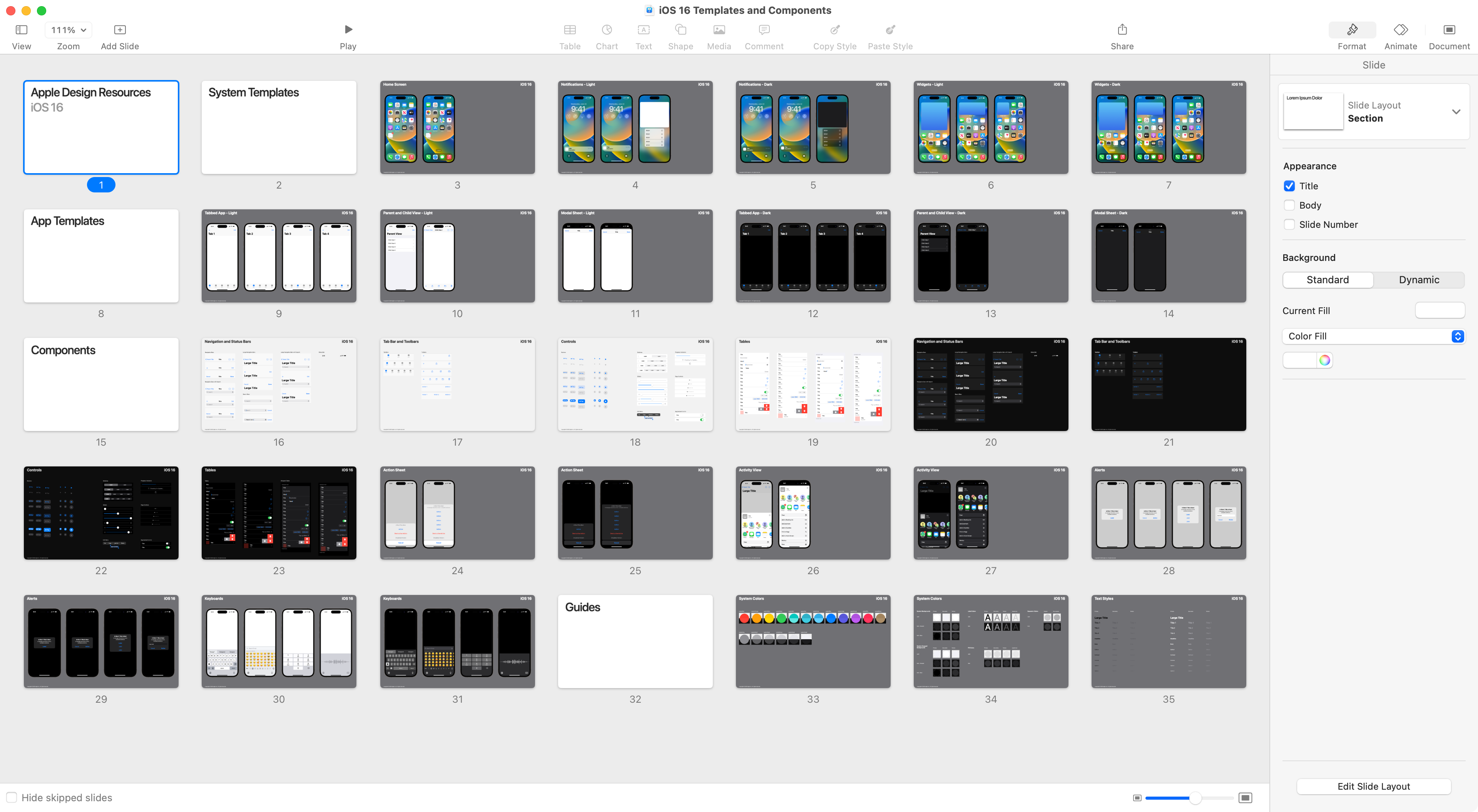
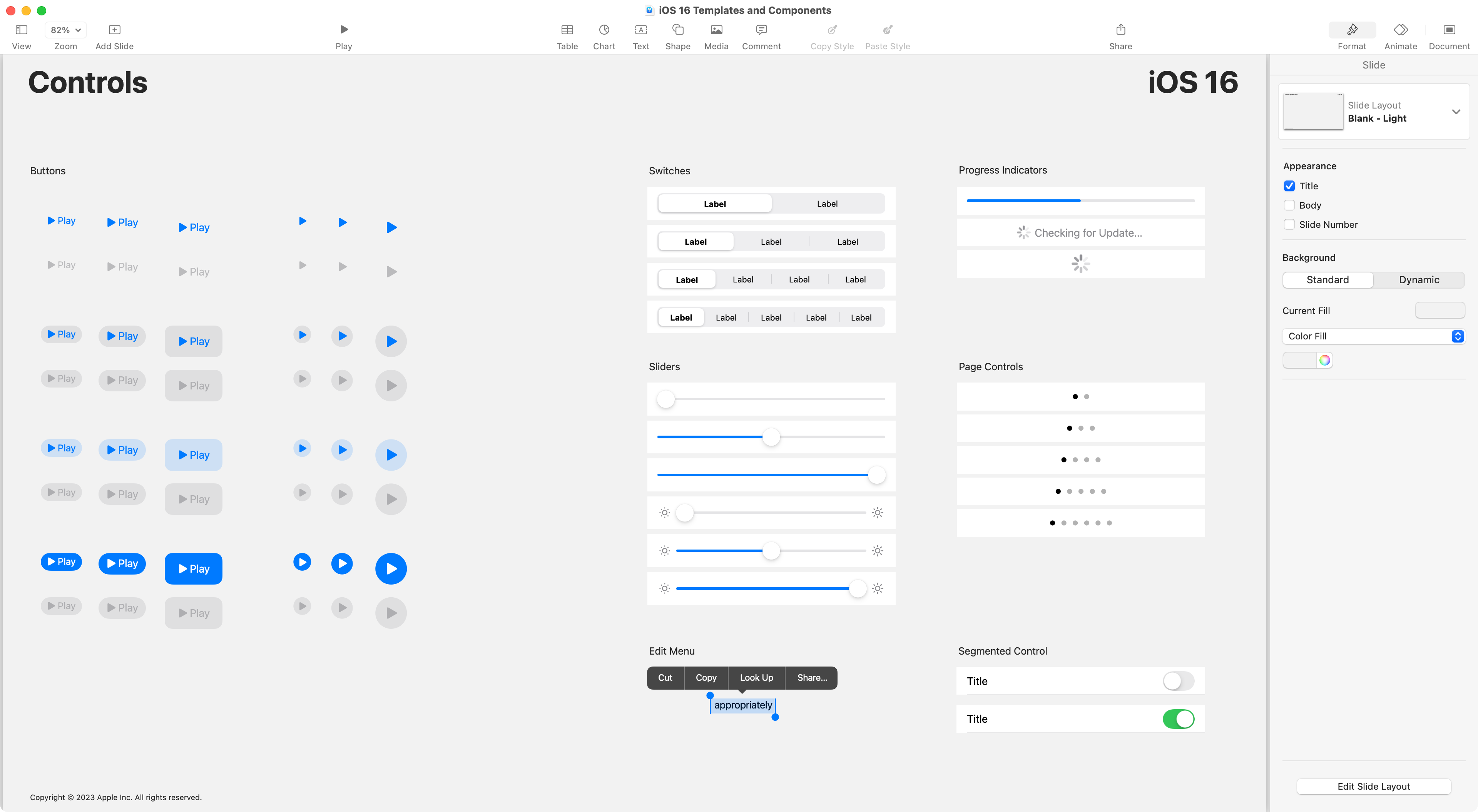
You can copy-and-paste design elements, as needed, into your prototype.
TIP
Be careful!
Although the design elements are fun to use, when making a prototype, remember that your prototype does not need to be “pixel perfect”.
The goal is to get feedback quickly, to make improvements quickly, to be sure that when you start to write code, you will be implementing an idea that will work and is fully thought through.