📚 ICS3U S1

    • All Classes
      • Concepts
        • Abstraction Using Lists
        • Adaptive Layouts
        • Array vs. Dictionary
        • Arrays
        • Binary Numbers
        • Block Layouts
        • Block Layouts, Part 2
        • Code Style Conventions
        • Computed Properties
        • Custom Subviews
        • Data Types
        • Databases – Solutions
        • Defining and Using Structures
        • Defining Custom Shapes
        • Diagonal Turtle Movements
        • Driver-Navigator Pattern
        • Dynamic Arrays
        • ER Diagrams
        • Forking a Repository
        • Identifiable Instances of a Structure
        • Interactive Apps
        • Introduction to Databases
        • Introduction to Xcode
        • Joining Tables
        • Joining Tables (Solutions)
        • Mathematics Functions
        • Navigating to a Detail View
        • Operators
        • Optionals
        • Publisher-Subscriber Messaging Pattern
        • Querying Multiple Tables
        • Querying Multiple Tables, Pt. 2
        • Remainders with Doubles
        • Retrieving Complex Data from Remote Endpoints
        • Retrieving Data from a Remote Endpoint
        • Revisiting Interactive Apps
        • Searching and Filtering Lists
        • Separation of Concerns
        • Structures
        • Structures vs. Classes
        • Swipe Gestures and Persisting Data
        • Type Safety
        • What is Source Control?
      • Exercises
        • Clock App
        • Completing Interactive Apps
        • Freeform Text Input
        • Get Ready for the Culminating Task
        • Grocery Store Flyer
        • Interface Design Challenge
        • Modelling a Book Listing
        • Name Plate
        • Parsing Instructions
        • Portfolios
          • Creating a Notion Account
          • First Entry
          • Sharing Evidence
          • Tagging Entries
          • Thread 1 Self-Assessment
          • Thread 3 Reflection
        • Recaps
          • Develop in Swift Tutorials
          • How to Write an Interactive App
        • Setup
          • Apple Developer Program
          • Cloud Sync vs. Source Control
          • Connect Xcode to GitHub
          • Connect Xcode to Your Developer ID
          • Create a GitHub Account
          • Create an Apple ID
          • Final Source Control Setup
          • Hardware Inventory
          • Install the iOS Simulator in Xcode
          • Installing Playgrounds
          • Subscribe to Turtle Sketches
          • Textbook Purchase
          • Translations
          • Update macOS to 14.7
          • Xcodes
        • Tasks
          • ADJ – Brainstorm, Part 1
          • ADJ – Brainstorm, Part 2
          • Culminating
          • Geometric Figures
          • Hobby Cards
          • Hobby Cards Exemplar
          • Programming with Purpose
          • Write an Interactive App
        • Tutorials
          • Adding Sign in with Google
          • Building Bone Appétit
          • Building Electric Ride
          • Command-Line Projects
          • Copy a Subject from a Photograph
          • Creating Bookmarks
          • Creating Custom Color Sets in Xcode
          • Creating Local Notifications
          • Deploy to a Device
          • Different Ways to Run Your Code
          • iOS Projects
          • Lottie Animations
          • Playing Audio Files
          • Pushing Commits
          • Reverting to Old Versions of Code
          • Running Your Code
          • Showing a slide-up sheet
          • Symbolic Mathematics in Apps
          • Taking Screenshots
          • To-do List App
          • To-do List App, Pt. 2
          • To-do List App, Pt. 3
          • To-do List App, Pt. 4
          • To-do List App, Pt. 5
          • To-do List App, Pt. 6
          • To-do List App, Pt. 7
          • To-do List App, Pt. 8
          • To-do List App, Pt. 9
          • Useful JSON Endpoints
          • Xcode Playgrounds
      Home

      ❯

      Setup

      ❯

      Installing Playgrounds

      Installing Playgrounds

      Monday, October 7, 20241 min read

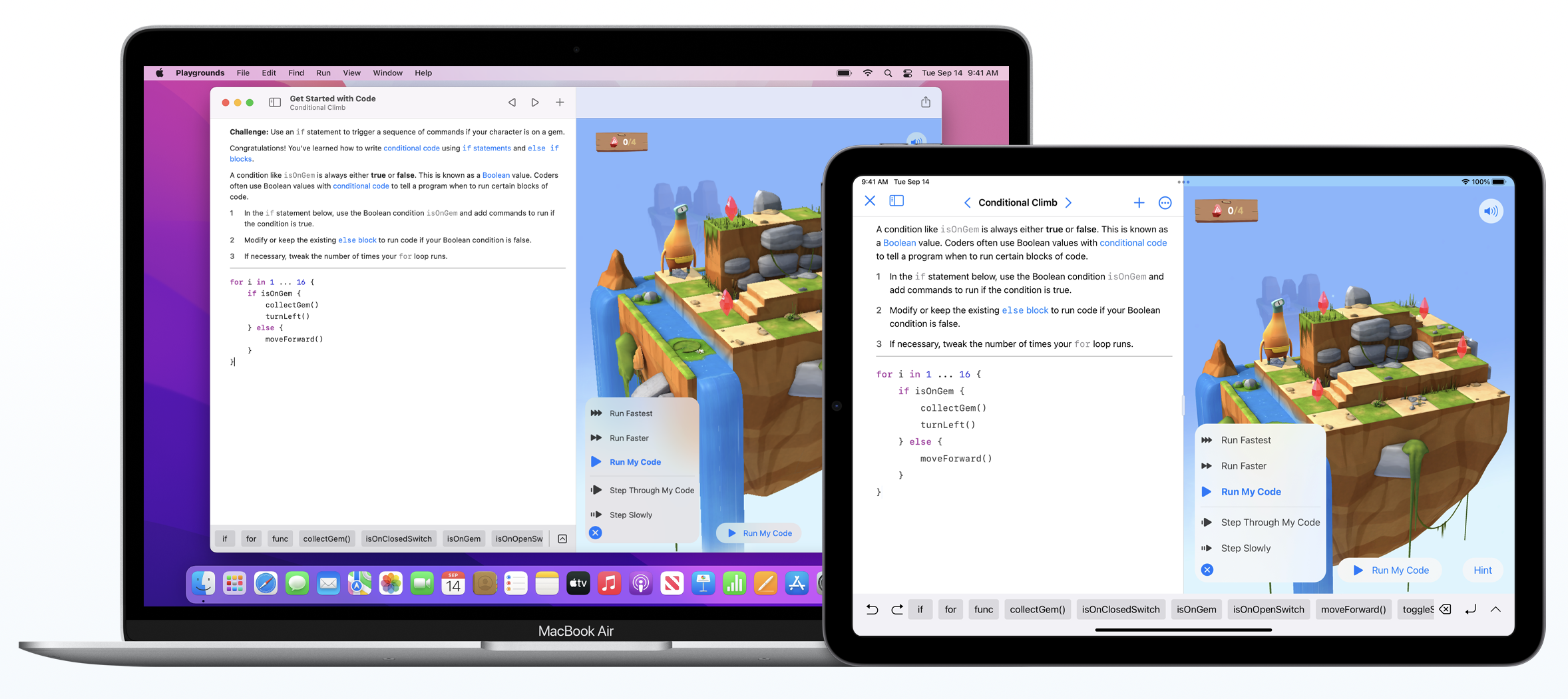
      You can install Playgrounds on macOS, and optionally install it on an iPad, if you have one.

      You may need to create an Apple ID if you don’t already have one.

      Created with Quartz v4.3.1 © 2025

      • GitHub
      • Discord Community