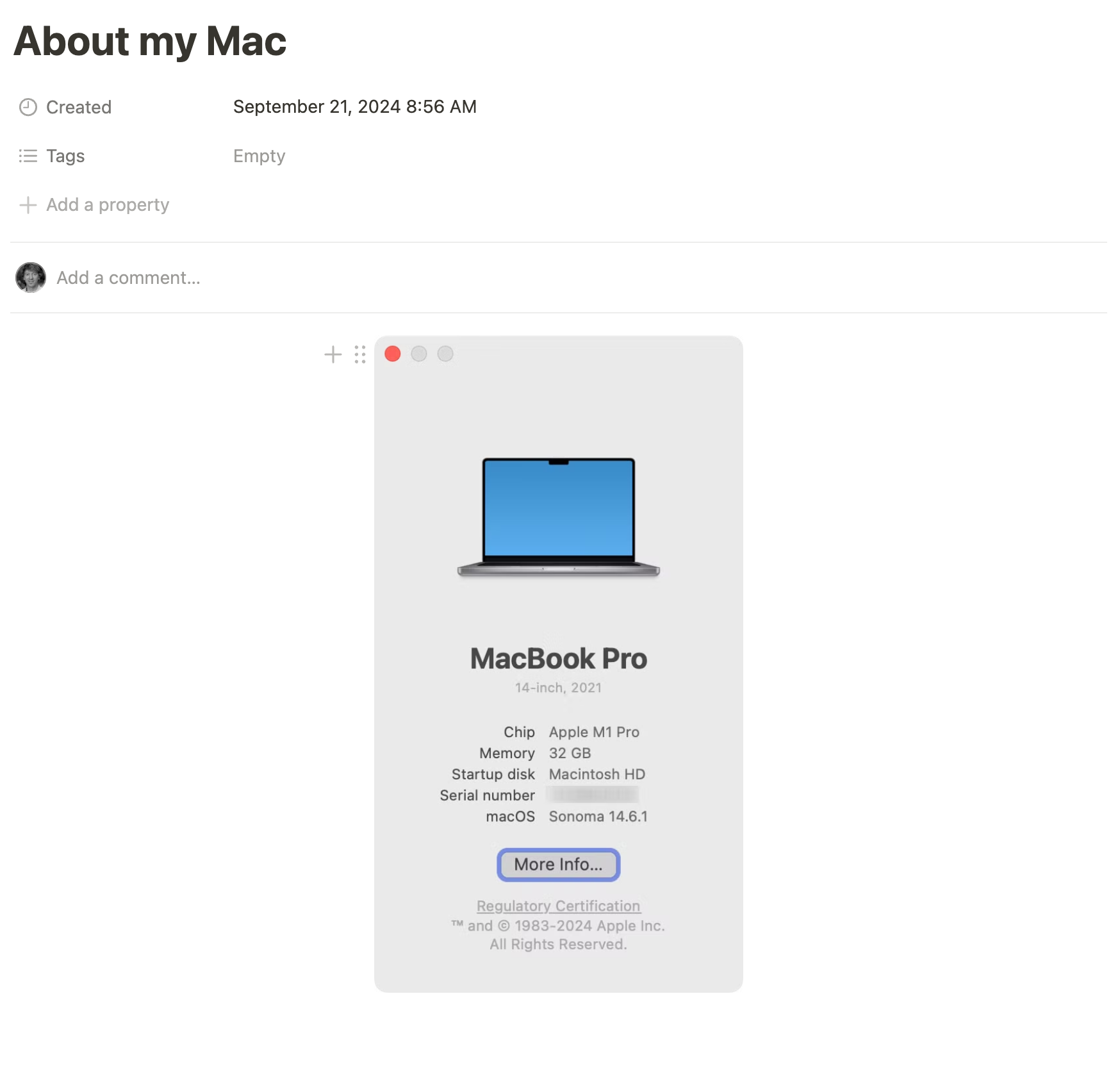
To help Mr. Gordon ensure that every student is positioned for success this year, please create a new blank portfolio entry on Notion. Name the new entry About my Mac.
Then, please copy-paste a screenshot of the About This Mac dialog from your computer into the entry.
Here’s how to do that:
- From the menu, select About This Mac.
- When the dialog appears, press these keys at the same time to change the cursor into crosshairs: Command-Shift-4.
- Then, press the Spacebar to change the crosshairs into a camera.
- Finally, hold the Control key down, then use your mouse or trackpad to click the About This Mac dialog box. You now have a screenshot of that window in your computer’s clipboard.
- To finish up, go to Notion, place your cursor in the blank portfolio entry you created, and press Command-V to paste in the screenshot.
You should have something like this, once you are done: